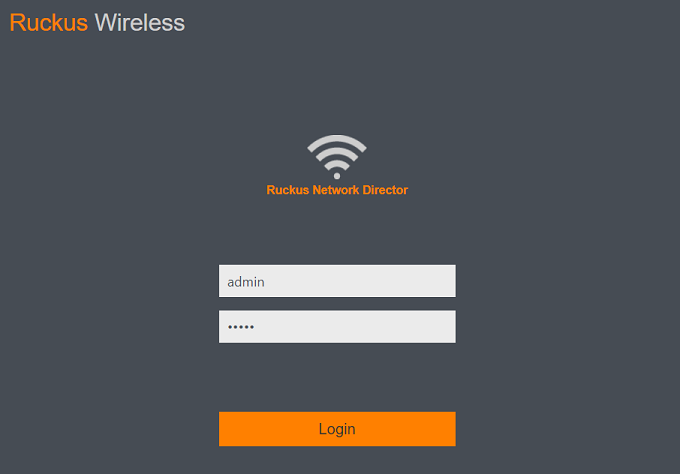
Logging In to the RUCKUS Network Director Admin Portal
The
RUCKUS Network Director web-based admin portal is your primary interface to the centralized inventory of
all APs and SmartZones. To manage your APs and service settings, you must first log
in to the
RUCKUS Network Director admin portal.
- Launch a web browser and browse to the RUCKUS Network Director Admin portal https://[RUCKUS Network Director IP].
- In the login box fields, enter the default login credentials.
Once logged in, you can change the password in the System Settings dialog box. For more details, refer to Managing System Settings.
- Click
.
The web interface refreshes, and then displays the Dashboard, which indicates that you have logged in successfully.