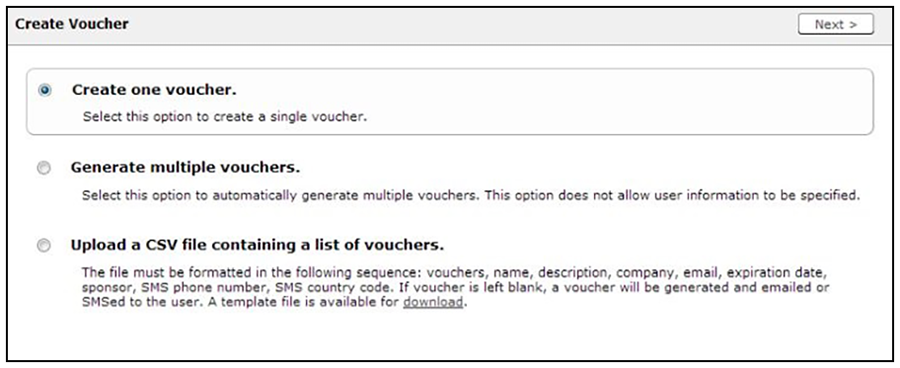
Managing Vouchers from the Sponsorship Portal Sponsors can manage voucher lists and sponsored guest access invitations from the sponsorship portal. From the Sponsorship UI, select Invite Users. The Create Voucher page opens. Create Voucher Selection Page You can create a single voucher, allow ES to generate multiple vouchers, or upload a list of vouchers from a CSV file. In this section: How to Create a Single Voucher How to Generate Multiple Vouchers How to Upload a List of Vouchers from a CSV file Parent topic: Sponsorship Portal