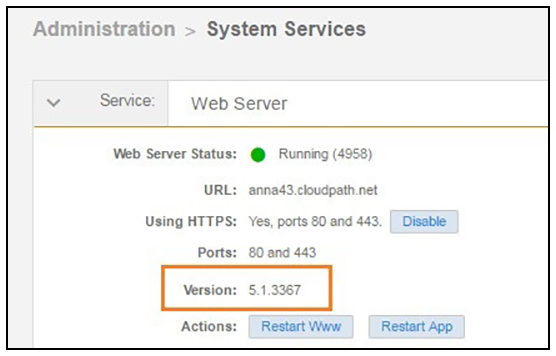
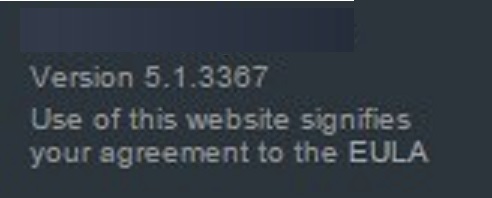
How To Find Your Current Cloudpath Version The Cloudpath version is displayed in two locations. Go to Administration > System Services, Web Server service. The current build is listed in the Version field. Current Cloudpath Version System Services The Cloudpath version is displayed in the lower left corner of the Admin UI, and it is visible on all pages. Current Cloudpath Version Lower Left Parent topic: Troubleshooting