You are viewing a cached version of this page.
You are currently offline. This page was loaded from cache.
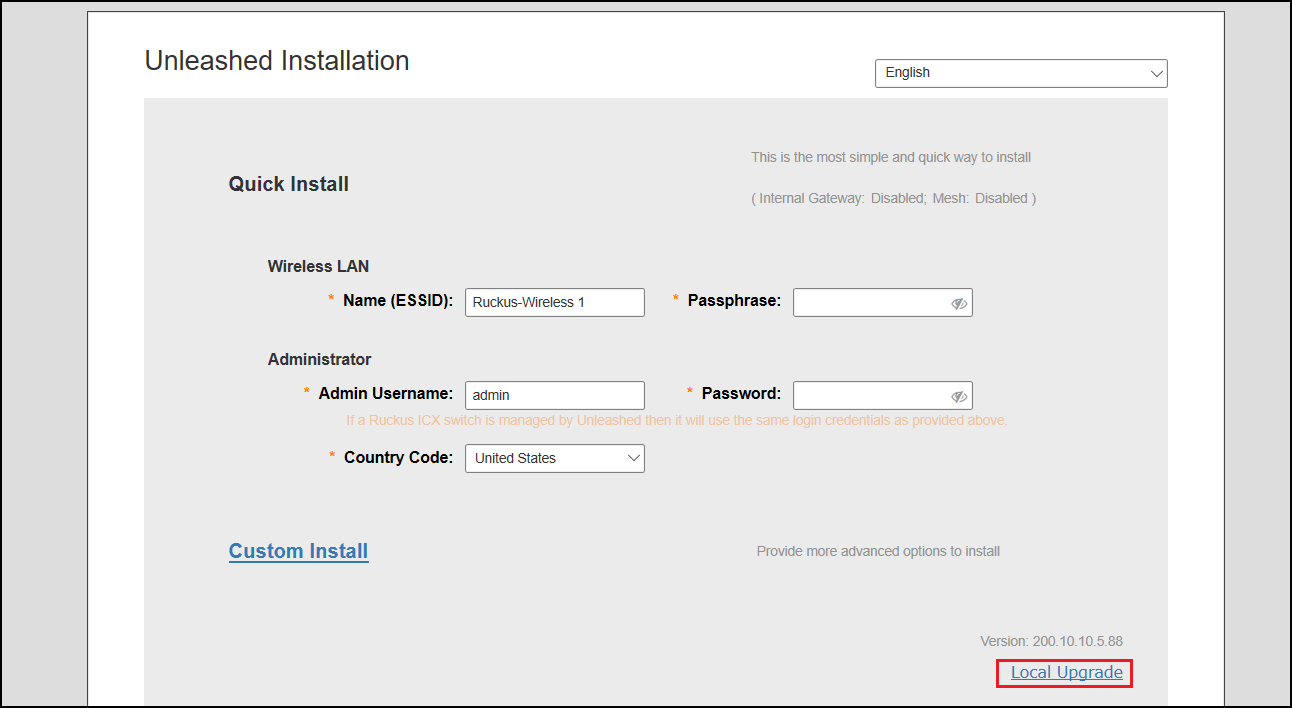
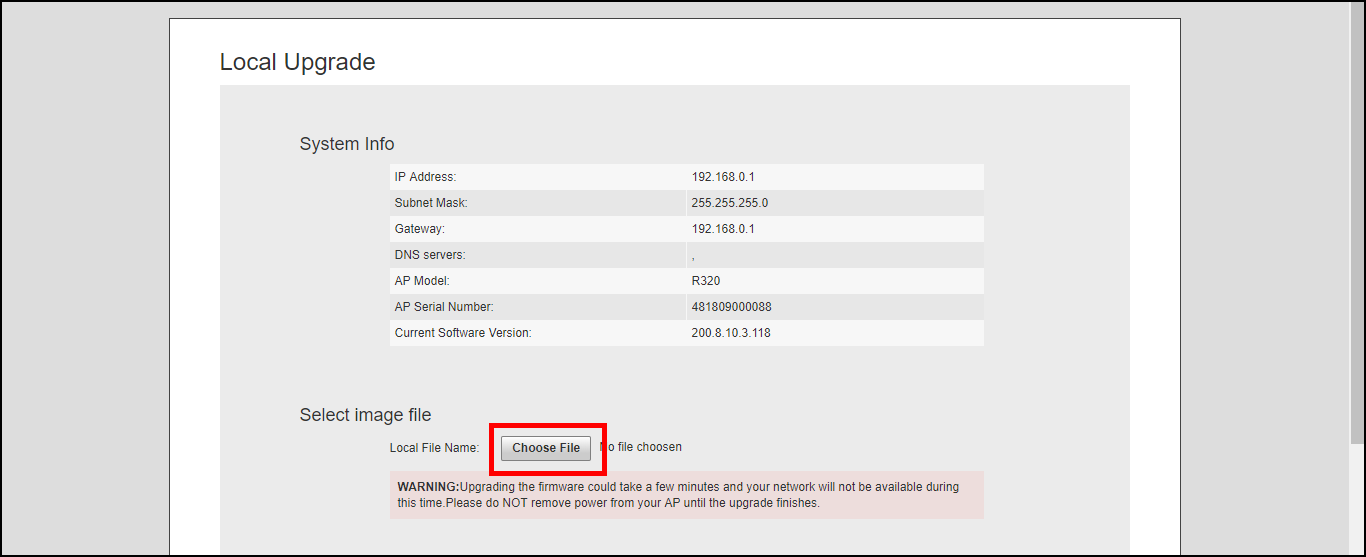
The Local Upgrade option during the installation settings allows the admin to upgrade the RUCKUS Unleashed firmware to a newer release build prior to deployment.
To perform a local upgrade before completing the RUCKUS Unleashed setup:
Did you find what you were looking for?