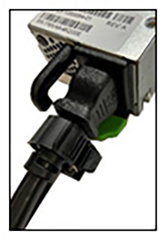
Installing the AC Power Cord Strap
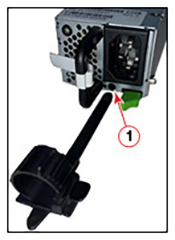
The AC power cord strap is shown below:
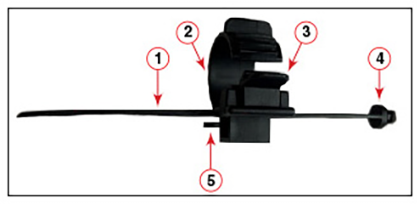
Use the following steps to install the AC power cord strap for the RUCKUS ICX 7550 switch:
- Use the strap position latch to move the cord strap furthest away from the attachment point.
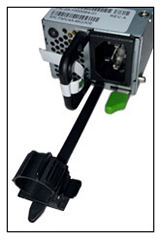
- Push the attachment point to the power inlet on the PSU, as shown in the illustration below.
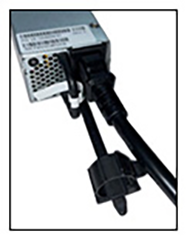
- Attach the power cord to the AC power inlet.
- Slide the cord strap next to the power cord:
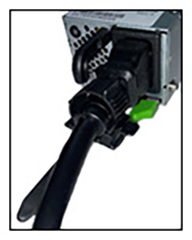
- Wrap the cord strap on the power cord:
- Adjust the cord strap tightness using the strap tightness adjustment latch: