Validating Upgrade Images for Data Plane Upgrades
Before an upgrade can proceed,
SmartZone validates the uploaded software image. Based on the upgrade type and software
version, SmartZone may require a digitally signed image. If image validation fails,
SmartZone rejects the image and prevents the upgrade from proceeding.
Verify the following:
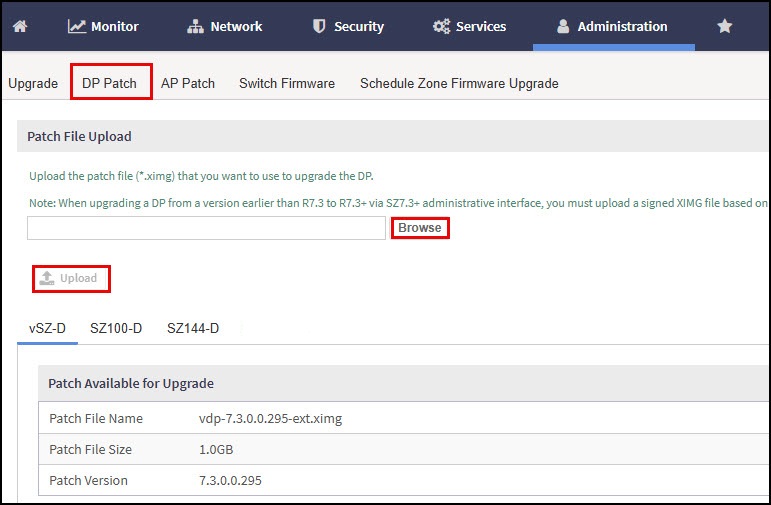
To validate the SmartZone controller and Data Plane upgrade images, complete the following steps:
- Validate a Data Plane upgrade image:
- Review the upload result:
- Continue with the controller upgrade procedure. Refer to Upgrading the Data Plane.