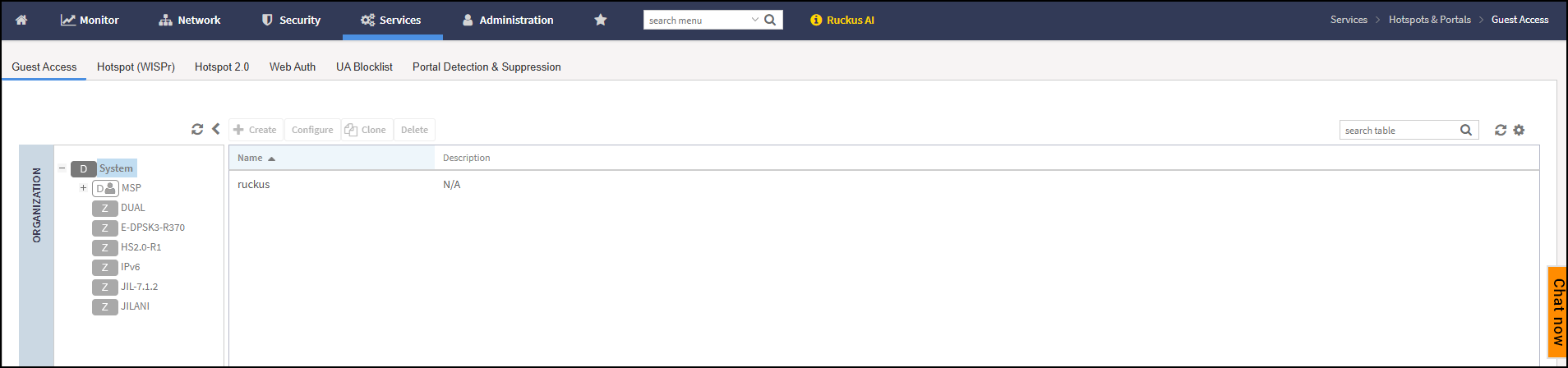
Guest Passes are temporary privileges
granted to guests to allow access wireless LANs.
Please use platform-specific conditions to enable content
reuse across different platforms. This topic is reused in Unleashed, RUCKUS Blue,
and
SmartZone. Please notify the Unleashed writer for any change.
Many options are provided for customizing Guest
Passes, controlling who is allowed to issue Guest Passes, and controlling the scope
of access
to be granted.
With Guest Pass authentication enabled, guests are
required to enter a Guest Pass code when connecting to a guest WLAN. Temporary Guest
Passes
can be issued for single user, multiple users, one-time login, time-limited multiple
logins
for a single guest user, or can be configured so that a single Guest Pass can be shared
by
multiple users. Additionally, they can be batch-generated, if many short-term Guest
Passes
must be created at once.
Guest passes can be generated in two ways:
Self-Service Generated Guest Passes
Admin Generated Guest Passes
After generating a Guest Pass, they can be
delivered in the following ways:
Printout
Send SMS with guest credentials
(Optional)
Send email with guest credentials
Note: To
enable Guest Pass delivery through email or SMS, you must first configure an email
server or
an SMS delivery account (Twilio or Clickatell) from the Email tab or the SMS tab (Services > System Info).
Note: To enable Guest Pass delivery through email
or SMS, you must first configure an email server or an SMS delivery account (Twilio
or
Clickatell) from the Email tab or the SMS tab (Services > System Info).
Note: To enable Guest Pass delivery through email or SMS, you
must first configure an email server or an SMS delivery account (Twilio or Clickatell)
from
the Email tab or the SMS
tab (Services > Hotspots &
Portals > Guest Access).