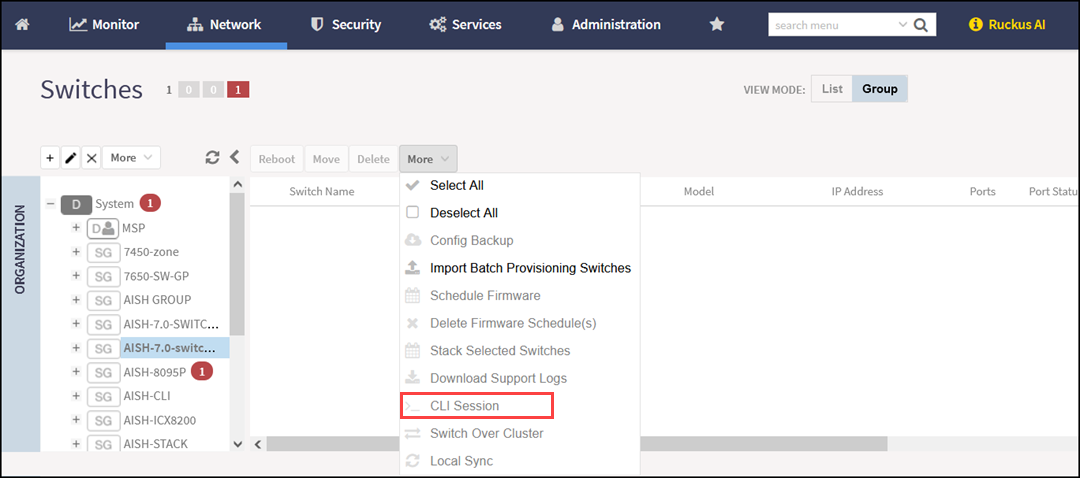
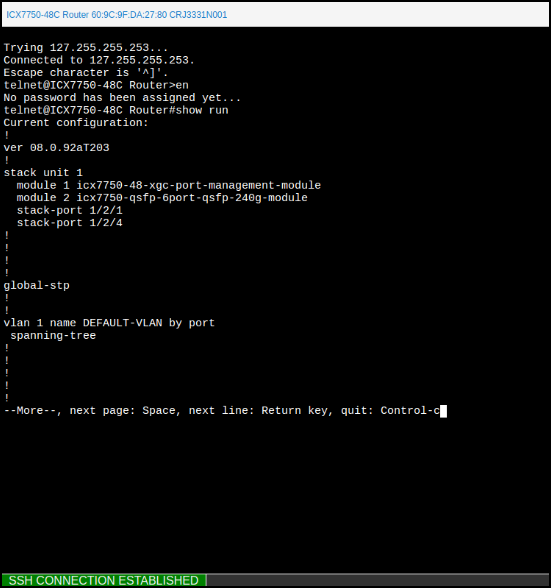
Accessing the Switch CLI through Controller (Remote CLI)
SmartZone 5.2.1 introduces this essential feature that allows you to directly access the Switch CLI prompt from the controller web interface. The Remote CLI allows you to establish a secured connection between controller and switch that can span over Internet, and eliminate the need to open VPN connection to switch's network when trying to access CLI through SSH or Telnet.
Note: This feature can be accessed by only the System
Super-Admin in 5.2.1 release and later releases.
The administrator must complete the following steps to access a CLI session.