Adding a Standard Rule
- On the navigation bar, click .
- Click Add Regular Profile or select an existing profile and click Edit.
- In the General Properties, enter the profile name and description and the click Next.
- Click Add VLAN.
- In the VLANs page, complete the configuration and click Next.
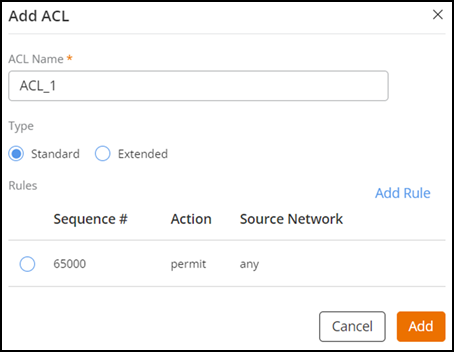
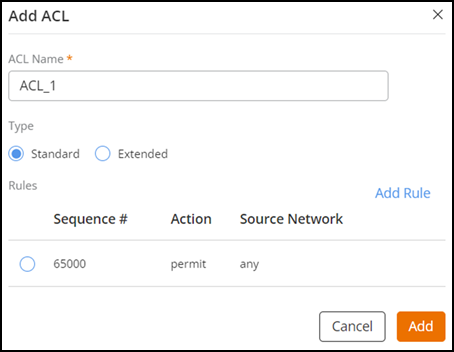
- In the ACL page, click Add ACL.
- Select the type of rule as Standard .
- Click Add Rule to add a
rule.You can edit or delete an existing ACL rule from the Add ACL page.
- Complete the following configurations.
- Click Add to return to the Switch Configuration Profile page.