Connections
The Connections tab displays the current device connections for the Cloudpath system. To view the connections, RADIUS Accounting must be enabled on your wireless LAN controller and Connection Tracking must be enabled for the onboard RADIUS server. See the Cloudpath Enrollment System Integration with Ruckus WLAN Controllers Configuration Guide for more information.
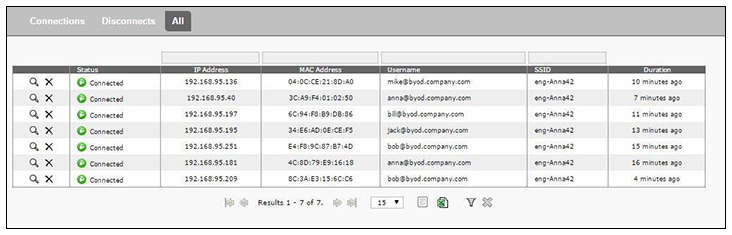
You can send Change of Authorization (CoA) disconnect messages (DMs) to the controller or switch from the Connections page, or via an enrollment Revoke. See the Onboard RADIUS Server CoA guide on the Documentation tab for more information.