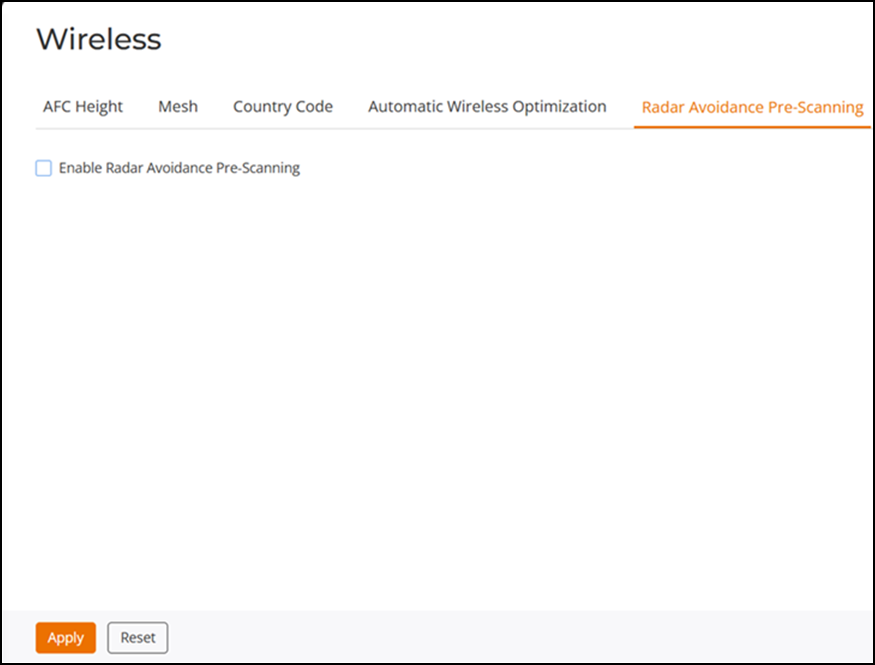
Radar Avoidance Pre-Scanning
Navigate to and select the Enable Radar Avoidance Pre-Scanning checkbox. The Radar Avoidance Pre-Scanning (RAPS) setting allows pre-scanning of DFS channels in the 5 GHz band to ensure the channel is clear of radar signals prior to transmitting on the channel. This setting affects select outdoor dual-band 802.11n/ac AP models only and has no impact on APs that do not support RAPS. RAPS will also only be available if the country code settings are configured to allow use of DFS channels (refer to Setting the Country Code).