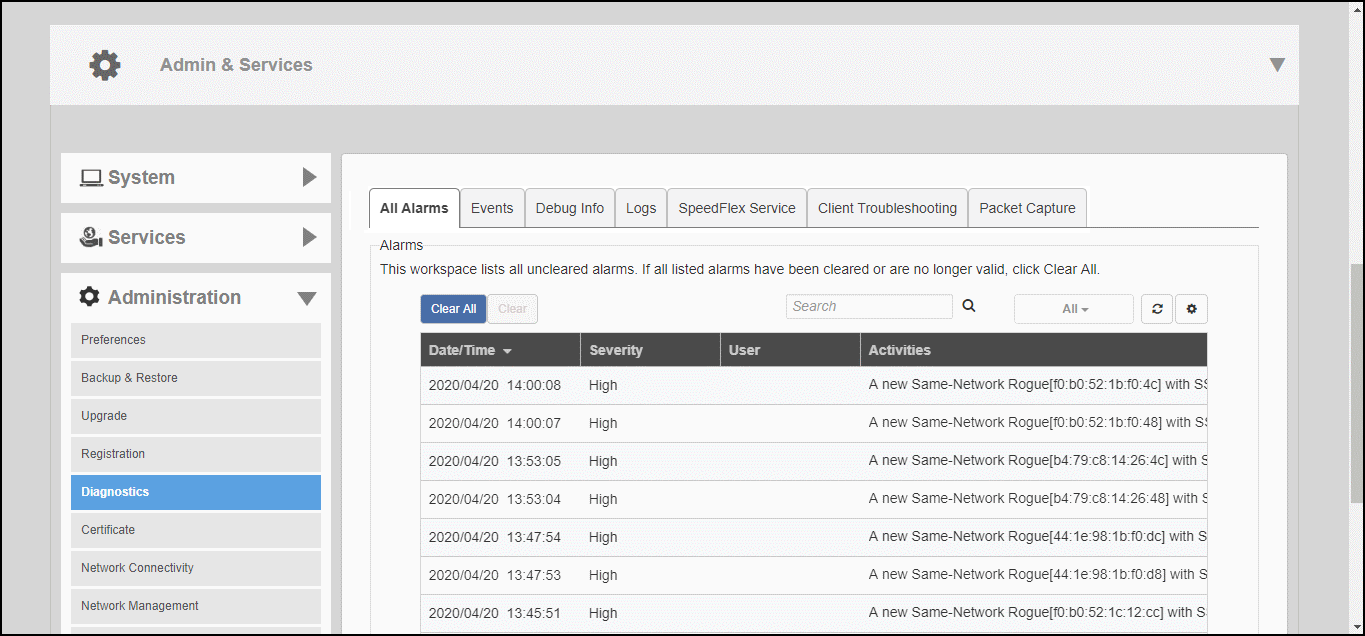
The All Alarms page displays a list of
all recent alarms. Alarms include important events such as when an AP loses contact
with the
Master AP, a rogue AP is detected, an authentication server becomes unreachable,
or when a
Master/Member role change is detected.
To view and clear recent alarm messages:
Go to Admin & Services > Administration > Diagnostics > All
Alarms.
To delete an alarm event from the list, select it and click
Clear.
Click
Clear All to clear all alarm events from the list.