Rediscovering the Unleashed AP on the Network
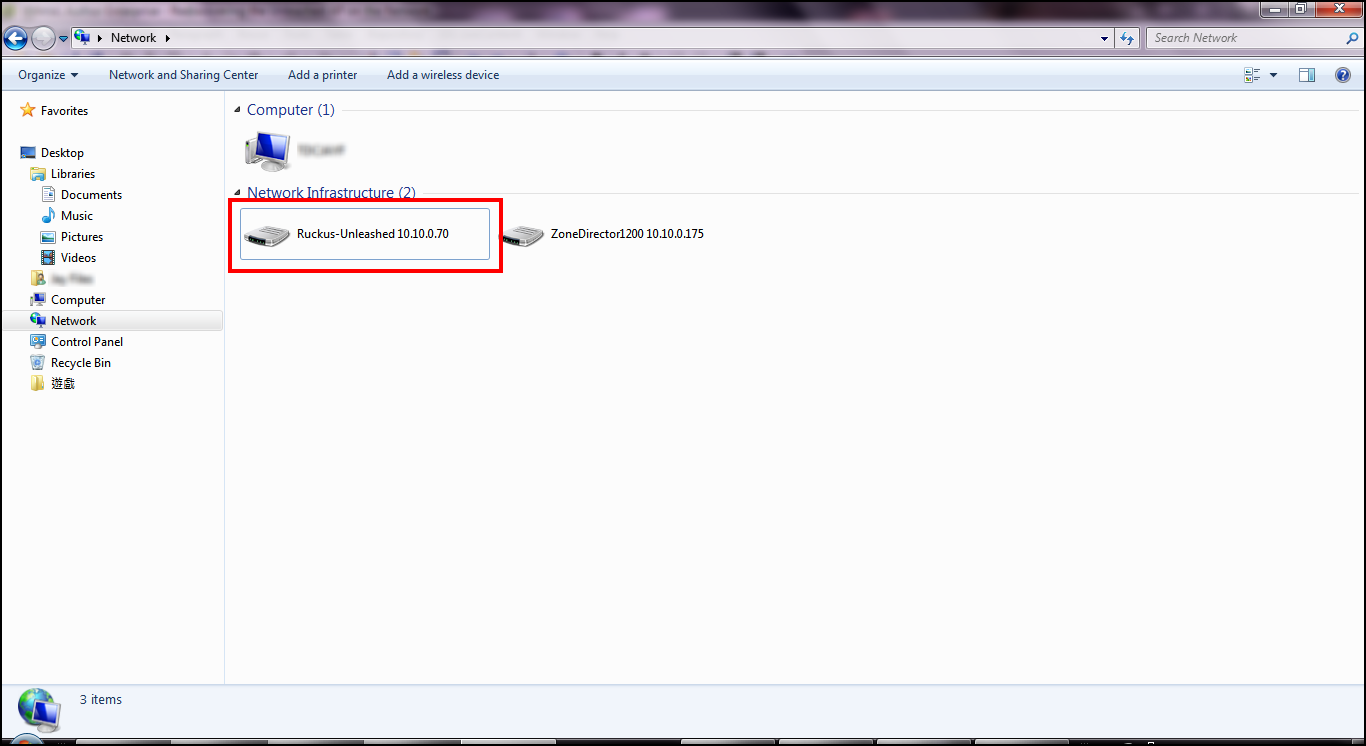
To discover an Unleashed AP using UPnP (Windows clients only), go to the Network section of Windows Explorer (Start > Network or Start > Computer > Network). Locate the Unleashed device in the Network Infrastructure section. Double-click the icon to launch the web UI, or right-click and select View device webpage, or type the address displayed into your browser's navigation bar.
Additionally, Unleashed also supports Bonjour service discovery. Bonjour discovery allows devices running operating systems other than Windows (such as iOS and Android) to discover the Unleashed Master AP. This allows mobile clients to manage the system using the Unleashed Mobile App in addition to via web browser.